
Tested...uploaded pic from my Ipad!!
Subscribe 09-08-2024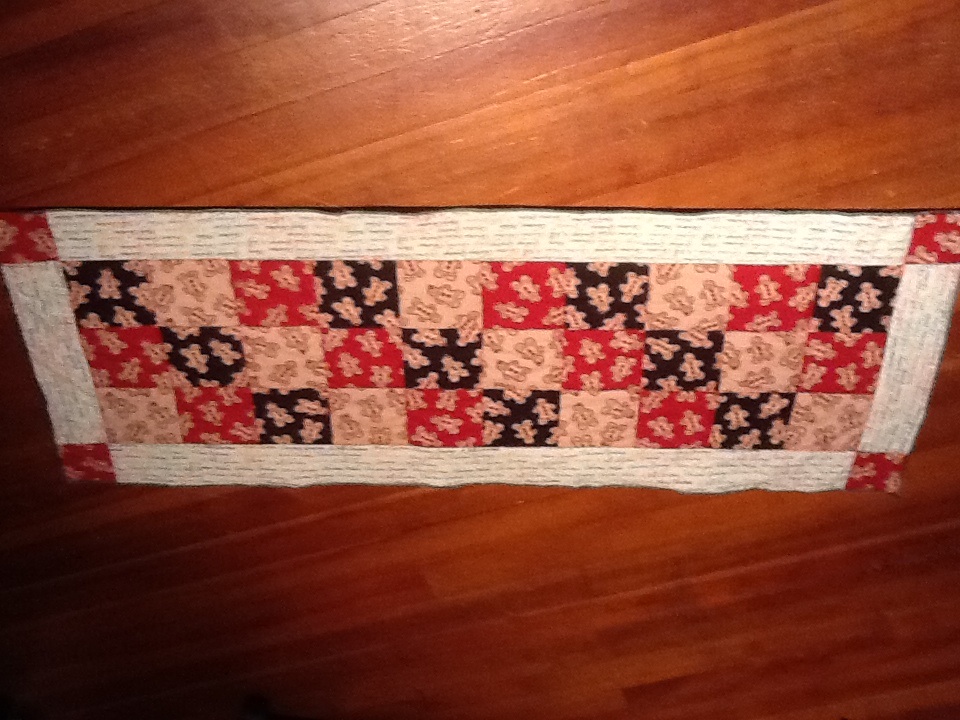
#5
Quote:
So.....how do you "know"??? Originally Posted by DebraK
It worked, but the picture looks upside down ;-)
 .
. Thanks for the giggle! Ya had me going!
Sandy

#8
Okay, now tell us how you did it in easy step by step instructions even the computer challenged (me) might be able to do. Cute gingerbread boys!
#10
Quote:
Originally Posted by Tartan
Okay, now tell us how you did it in easy step by step instructions even the computer challenged (me) might be able to do. Cute gingerbread boys!
Well, first, you have to have the photos already loaded on to the Ipad or Iphone.
You can download photos to your Ipad that have been emailed to you. If you use your ipad or Iphone to take the photo, it will already be on the Ipad/Iphone.
When you open a new thread on the Quilting Board, click "Manage your Attachments". You will find this prompt further down in the opened thread. Just scroll down to see it.
The prompt will give you the option to take a picture with your Ipad or Iphone or to choose a picture from the device. Find that photo and click on it. It will upload . Once it has uploaded, the window will prompt you to "Close the Window". Success!!
Give a try!
Sandy
