
This is only a test - can't see pictures issue
Subscribe
#21

 08-15-2020
quote from tessagin: "Like BArb in Louisiana, I was having the same problems. And when I try to "reply with quote" the little timer wheel is still going right now."
I am having that issue, also
I am having that issue, also
#23

I can't see pictures, just get the .jpg number and the box with the red x. I did post pictures yesterday in the early afternoon and had no problem, but now I just can see anything. I have Vista windows program and use Internet Explorer. But last evening I had to try several times just to get on the The Quilting Board, the message kept telling me there were technical issues.

#25
themachinelady , 12-16-2014 07:55 AM
Senior Member
Yes, I too, am having problems with the site and pictures. I only get a box with a little X in it along with a file name with jpg behind it, and nothing works. I can get pictures everywhere but on this site. Also when I first came up on the site, it doesn't give me the full version like it used to and if I go to "Home" and click on pictures, it brings up the Mission Organization. Whatever changes you all have made, put the old site back. I also posted a "post" on the Main group or pictures group, about this problem, but not sure where it went at this time. It may be there or somewhere else by now.

#28
When I try to access 'latest posts' or latest threads' on a profile, i get the message:
Oops! An error occurred: connection to SphinxServQB:3312 failed (errno=0, msg=php_network_getaddresses: getaddrinfo failed: Name or service not known)
Oops! An error occurred: connection to SphinxServQB:3312 failed (errno=0, msg=php_network_getaddresses: getaddrinfo failed: Name or service not known)
#29
ManiacQuilter2 , 12-16-2014 09:42 AM
Power Poster
I was just trying to post a photo for someone. I guess I will tell them of this problem. Thanks for posting QuiltnNan. I am on XP Professional and didn't have any trouble until I tried to post a photo this morning. I can see the pictures. Guess I will call it a day.
Hey, looks like the problem with posting photos is working again. Thanks to the tech Geeks.
Hey, looks like the problem with posting photos is working again. Thanks to the tech Geeks.
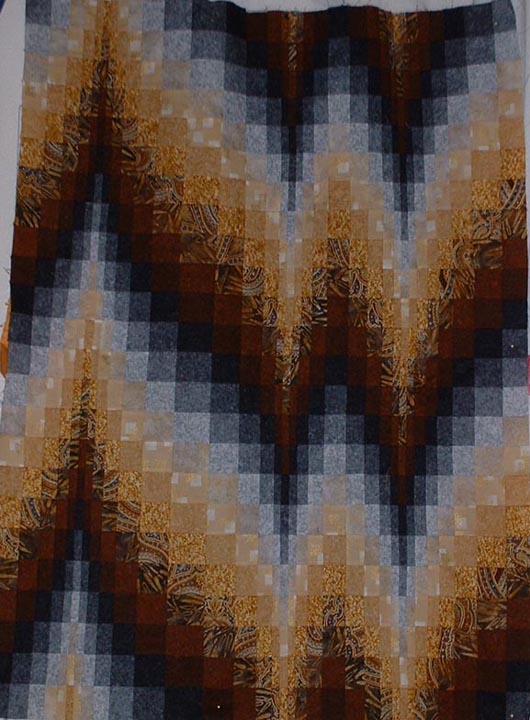
#30

mzzzquilts , 12-16-2014 09:59 AM
Super Member
If you're using IE, go into tools/compatibility settings, and add the quilting board (it should be prepopulated in the box when you do this from the quilting board) and click the "add" button, then close that window, then try to see the picture again.
Related Topics
- test to see if I can post pictures again in threads
- This is a Test. This is Only a Test.
- Am I the only one who can't see the pictures
- Second Pincushion Swap, mail deadline Oct. 31st, A collection of pictures of pincushions on page 8, Don't forget to post pictures so we can all see and pm or post on board when you receive your pincushion. Thanks
